Shot Clock
Not a stopwatch you have to set up. A timer that already knows what a 90-second PRS stage is, what a WA1500 20-second series looks like, and when to tell you to load.
Pick your side
A par timer, not a shot timer.
Worth being plain about, because the two get confused. Shot Clock doesn’t listen for gunshots and it doesn’t measure your split times. It runs the timing of your stage — preparation periods, firing times, turn-aways, pauses and warnings — exactly as the rules say, or exactly as you’ve set it up.
And today it’s your timer — one shooter, one stage, on your wrist or in your pocket. It isn’t a range control system yet, though it is turning into one: the parts that drive a wall display and turn targets on a whole line are being tested now. See what’s coming →
On the day
Press the button, or turn on gesture start and begin the stage with the arm the watch is on. Handy behind a rifle, and on the line when you’re already gloved up.
Down to the end of the stage or up from the start — whichever your discipline calls it. Your choice, remembered.
The face fills with colour as the stage runs, ending in red. It’s built for peripheral vision rather than reading — a flash of red at the edge of your eye tells you the time has nearly gone. Love it or leave it; it’s a setting either way.
On the watch, the screen locks while a stage runs, so a sleeve can’t stop your string halfway through.
Turn the sound off completely and run on vibration alone. A number of disciplines don’t permit an audible signal at the firing point, so this isn’t a compromise — it’s the setting many shooters use all the time.
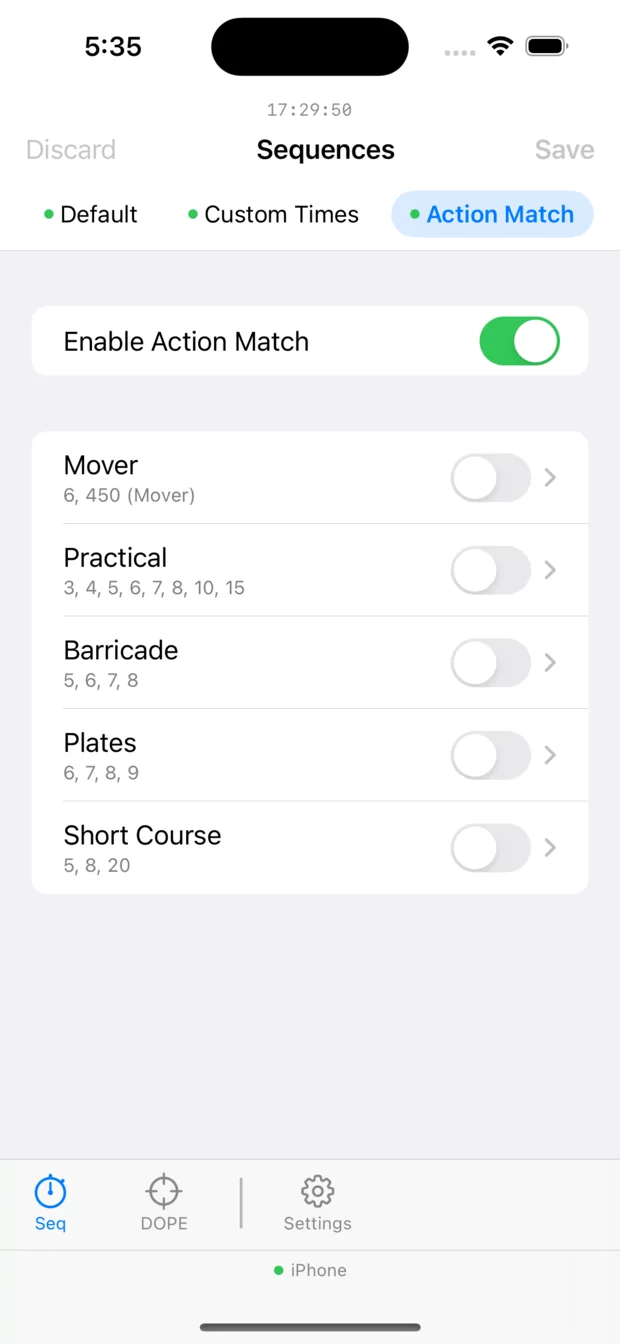
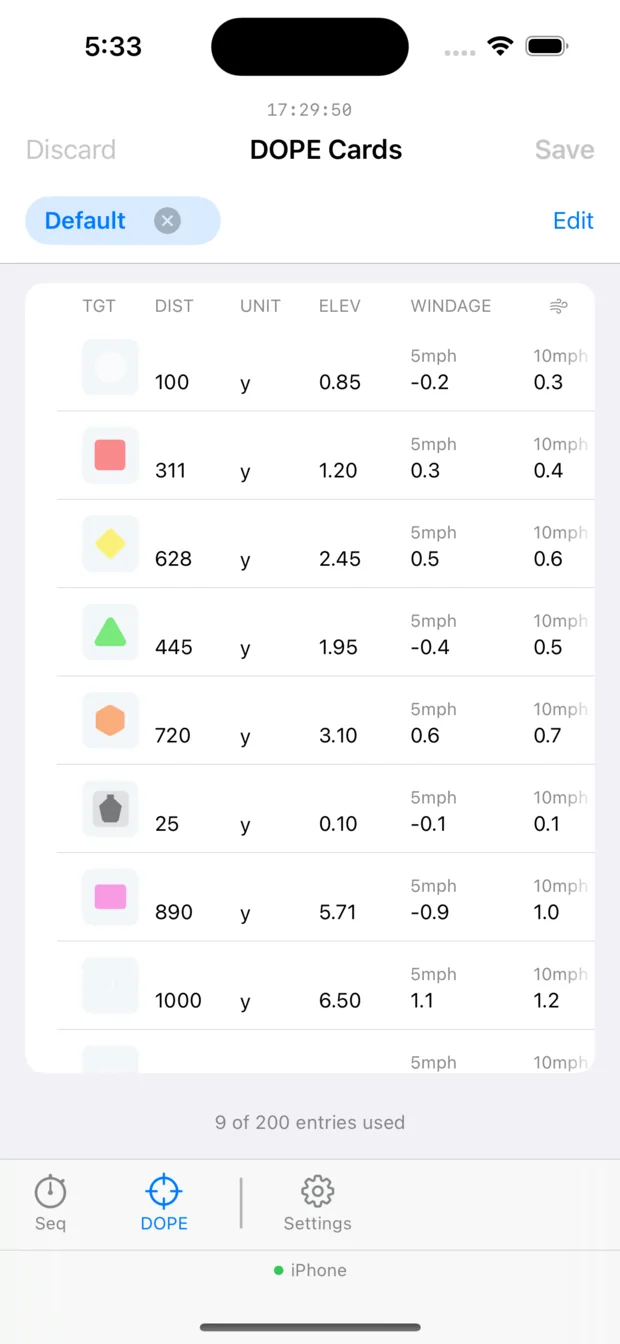
Come-ups and windage on your wrist instead of a bit of card in your pocket that’s gone soft in the rain.
The load that worked, the hold that didn’t. Written down at the bench while you still remember why.
Four ways to carry it
Shot Clock began on a Garmin watch, and everything since has been built to behave exactly the same way. Whichever you pick, it’s the same timer.
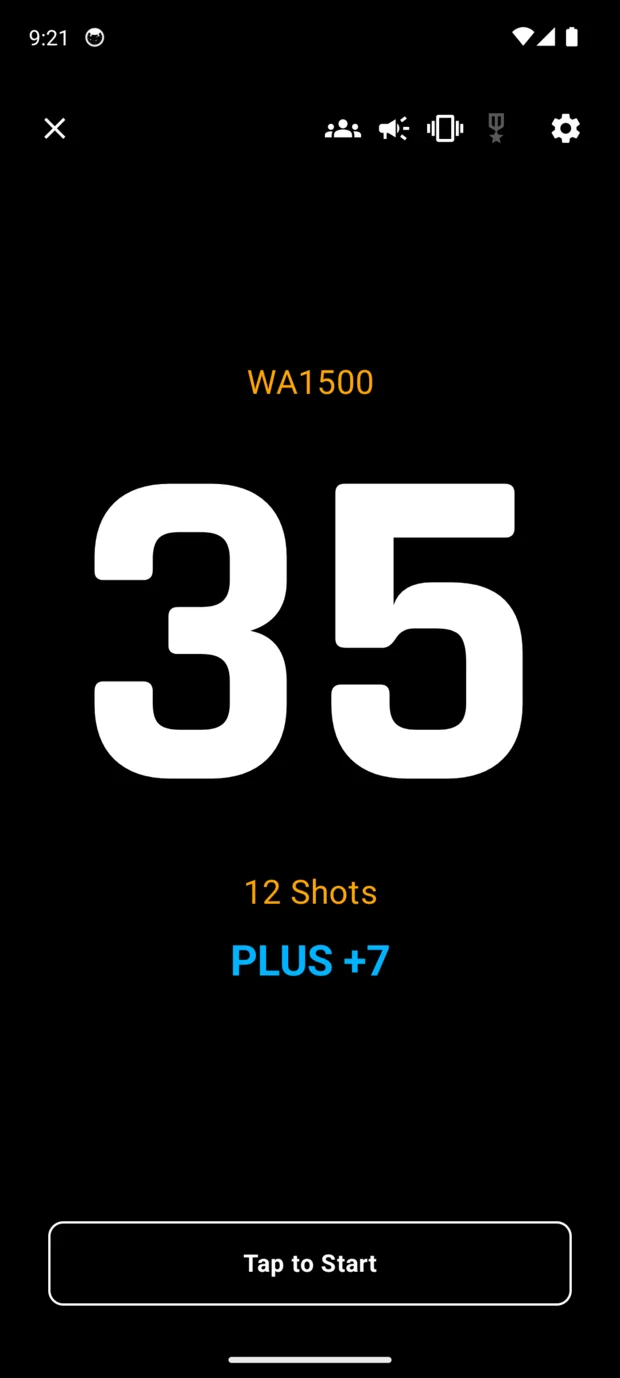
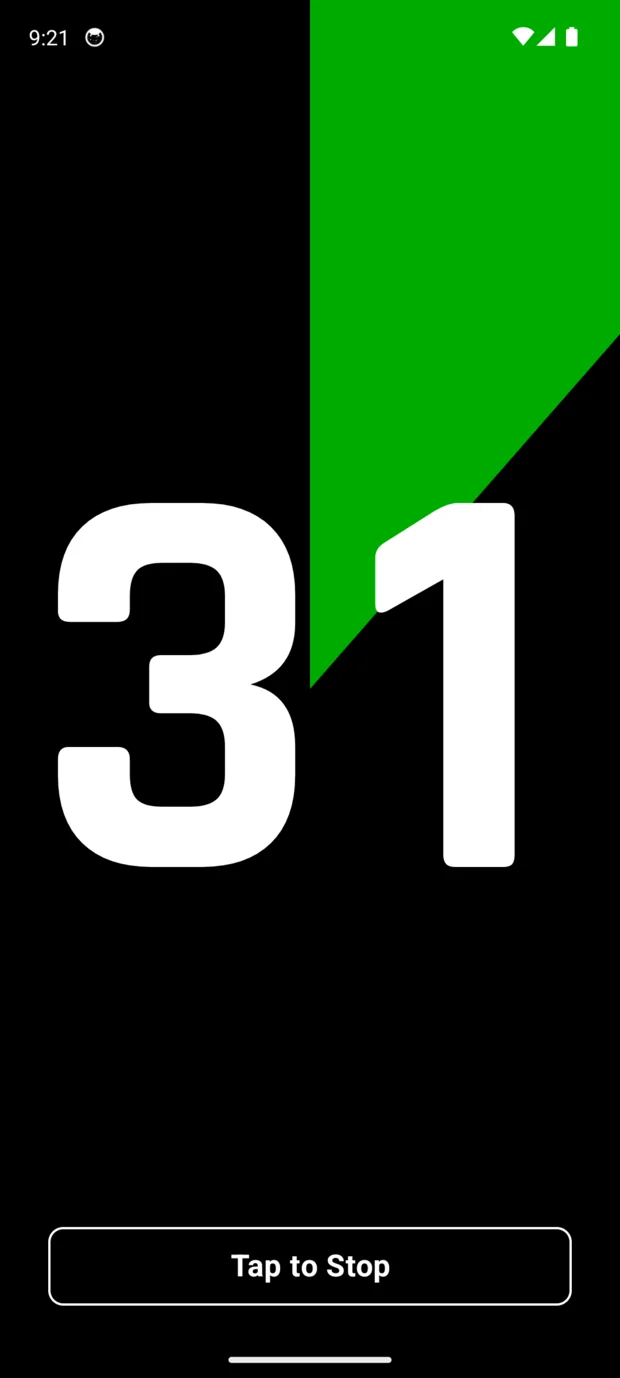
Subscribed, the phone is the whole timer — same matches, same Time Slice, no watch involved. This one is an Android running a WA1500 series.
The original, and still the fullest. Your own timer on the watch itself — matches, DOPE cards, notes, no phone anywhere near it. Thirty days free, then buy it once and it’s yours.
Shot Clock on your wrist, with the iPhone app alongside for setting things up on a bigger screen. Free to try, then its own subscription — separate from the phone. Worth reading the note below if you’re choosing between this and a Garmin.
Two things depending on what you pay. Free, it’s a companion to your Garmin or Apple Watch — a far easier place to build sequences, DOPE cards and notes than a watch screen. Subscribed, the phone is a complete timer in its own right, no watch needed.
Same two roles. Free, it’s a companion to your Garmin — sequences, DOPE cards and notes on a proper screen. Subscribed, your phone is a complete timer on its own.
The free phone apps are not a cut-down demo. If you own a Garmin, that app is where you’ll do your setting up — and it costs nothing.
We sell both, and we’d still say that.
It isn’t that one is good and the other isn’t. They’re built to different briefs, and one of those briefs happens to suit a timer you wear on a firing line.
An Apple Watch is by far the more powerful device. It’s a proper little computer — you can watch video on the thing. All that capability has a price, and the price is power, which is why watchOS works so hard to manage it. Sensible for the other twenty-three hours of your day. Occasionally it gets in the way of a timer that needs to stay up and visible right through a long stage.
A Garmin does less on purpose, and lasts because of it. Shot Clock stays open until you close it — between details, between matches, for days if the battery allows. In our experience a charged one runs the timer through a full day and often a whole weekend, so you turn up with whatever charge it has and don’t think about it again. On the transflective models the display gets easier to read the brighter the day gets.
Most Garmins also have real buttons, and for a timer that matters more than it sounds. A press is a press — in gloves, in the wet, without looking at it. A touchscreen can start or stop a stage when a sleeve brushes it, so on touch devices Shot Clock guards against that with press-and-hold, double-taps and a screen lock. It works. It’s still more to think about than pressing a button.
On Apple, Shot Clock works with the platform rather than against it: your stage runs as a workout, which is Apple’s own way for an app to hold its place on screen. It works well. It also means your strings appear in Fitness, and the battery works harder than it would on a Garmin.
Already wear an Apple Watch? Use it — it’s there, it works, and you needn’t buy anything else. Buying a watch to shoot with? Get the Garmin — it does less, for longer, and it’s a one-off purchase rather than a subscription.
Your range, your rules
Every supplied sequence can be changed, and you can build your own from nothing. If your club runs a local variation, an odd match nobody else shoots, or a drill you invented on a Tuesday — Shot Clock will time it.
Change the times. Move the warnings. Add a load period or take one out. Save it under your own name and it sits in the list beside the built-in matches, ready next time.
And you can do all of it on your phone, at the range, with no signal — which is the whole point when the stage brief lands on the morning.
Try it without installing anything
The live timer on this page takes a course of fire exactly as the watch does, checks it against the app’s own rules, and runs it. Type 30.20.10:0:15.5 and see what happens.
Thirty seconds with warnings at twenty and ten, a pause until you press start again, then fifteen with a warning at five.
What it costs
Garmin has always been buy-once. The phone and watch apps are subscriptions, and there’s a free app on both phones that does a genuinely useful job on its own.
One-time purchase30-day trial
Free companionSubscription for full timer
SubscriptionFree to try
A phone subscription doesn’t include the watch. We keep them separate so you only pay for the one you use.
No account. Your data stays on your device.
There’s no Shot Clock account to create. Purchases are handled by the App Store or Google Play, and your matches, stages, score cards, notes and media stay on your device. It works at the range with no reception and no internet connection at all — exactly as it does at home.
Garmin or Apple Watch?
Most of Shot Clock is identical on both — same matches, same cards, same engine. These are the handful of places it isn’t — including the one where the Apple Watch comes out ahead.
| Garmin | Apple Watch | |
|---|---|---|
| How the alerts feel | The full pattern — two short pulses and a long one for a start, one flat second for a warning. | A single firm tap at the right moment. watchOS merges closely spaced pulses, so the rhythm can't be played. |
| Starting and stopping | Real buttons on most models. A press is a press, in gloves, in the wet, without looking. | Touch only. Touch Guard, press-and-hold and double-taps keep a sleeve from ending your stage — it works, but it's more to think about. |
| Staying open | The app stays open until you close it. Leave it up between details, between matches, for days if the battery allows — it'll still be sitting there. | watchOS decides when an app stops being the thing on your wrist. Shot Clock holds its place by running your stage as a workout — Apple's own mechanism, and it works. It also puts your strings in Fitness. |
| Lasting the day | In our experience a charged Garmin will run the timer all day and still be going — often through a whole weekend. | We haven't measured it, so we won't pretend to know. What we do know is that an Apple Watch generally wants charging every day without Shot Clock anywhere near it, so for a full day of competition we'd take the charger. |
| In bright sun | Transflective models get easier to read as the day gets brighter. | Bright, but managed — it dims and sleeps to protect the battery. |
| What it costs | Thirty days free, then buy it once and it's yours. | Free to try, then a subscription of its own. |
The short version: if you already wear an Apple Watch, use it. If you’re choosing a watch to shoot with, the top row is the one that decides it — the alerts are how you track a stage without looking, and Garmin can play them properly.
Questions we get asked
If it's a reasonably recent Garmin — a fēnix, epix, Forerunner, Instinct or vívoactive — almost certainly. The Connect IQ store checks your exact model before it lets you install, so it'll tell you straight away.
No. The Garmin app runs entirely on the watch.
Yes. One device runs the stage and the other follows it exactly, so two officials are always on the same second.
Back them up and restore them on the new one. Your own custom stages come across with everything else.
Pick a match below, or write your own stage and watch it run.
Plus Mode is the run-up before a stage — usually set to however long the targets stay turned away, so you can start the timer before match firing commences and the stage comes in exactly as they turn. It's a setting on the watch rather than part of the sequence: 1–15 seconds, set to 7 here so you can see it work. A sequence beginning with # ignores it.
A stage is a list of phases separated by :. Inside a phase, the first number is the time in seconds and anything after a . is a warning, given as seconds remaining.
20.10.3 — 20 seconds, warnings at 10 and 3 left3:-5:3 — 3 seconds, 5 seconds facing away, 3 seconds#90.60.30.10.5 — a 90-second PRS par with four warningsPrefixes — # starts immediately, ignoring your Plus Mode lead-in. ^ forces the count upward for that stage.
A minus sign means you are not shooting during that phase — a load period or a turn-away. The watch shows those in blue, and Time Slice sits them out entirely.
A zero on any phase after the first is a pause: the timer stops and waits for you to press start again.
The rules below are the app's own. If the watch would reject what you type, so will this.
 by Dugong Technology